

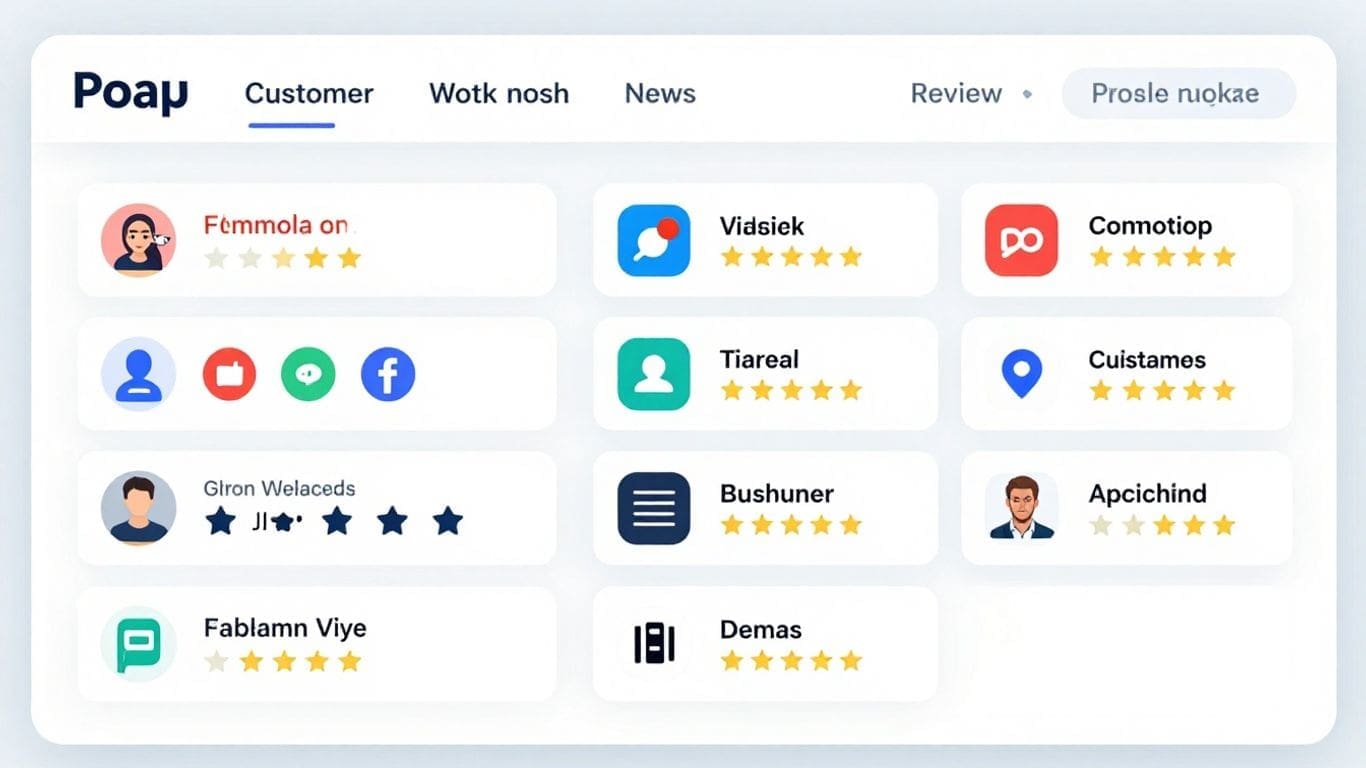
Running a business today means keeping up with what customers are saying online. It feels like there’s always a new place to check for reviews – Google, Yelp, Facebook, you name it. Trying to keep track of all of them can be a real headache. That’s where a multi-platform review dashboard comes in handy. It’s like having one central spot for all your online feedback, making your life a whole lot easier.
Key Takeaways
- A multi-platform review dashboard pulls all your customer feedback into one place, saving you time and effort.
- Connecting different review sites like Google and Yelp to your dashboard is usually a straightforward process.
- Having all messages and reviews in a single inbox helps you respond faster and connect better with customers.
- The data from your dashboard can show you what’s working and what’s not, helping you make smarter business choices.
- When choosing a dashboard, think about what features you really need and what other businesses recommend.
Unifying Your Online Presence with a Multi-Platform Review Dashboard
These days, customers share their thoughts everywhere. From Google and Yelp to Facebook and industry-specific sites, your business likely has a presence on many review platforms. It can feel like a lot to keep track of, right? That’s where a multi-platform review dashboard comes in. It’s like having one central hub for all your online feedback.
The Power of Centralized Review Management
Imagine trying to check five different websites every day just to see what people are saying about your business. It’s time-consuming and easy to miss something important. A centralized dashboard pulls all these reviews into one place. You can see everything at a glance, making it much simpler to manage.
- See all reviews in one spot: No more logging into multiple sites.
- Respond faster: Quickly reply to feedback, good or bad.
- Keep an eye on your reputation: Know what people think across all platforms.
Managing reviews from different places can feel overwhelming. A single dashboard simplifies this, letting you focus on what matters: your customers and your business.
Bridging Gaps in Customer Feedback
When feedback is scattered, you might miss important details or trends. A unified dashboard helps you connect the dots. You get a clearer picture of what customers like and what needs improvement. This helps you make better decisions for your business.
Enhancing Your Brand’s Digital Footprint
Your online reviews are a big part of how people see your brand. By managing them effectively from one place, you can ensure your brand’s message is consistent and that you’re actively engaging with your audience. This consistent presence builds trust and can attract more customers.
Seamlessly Integrating Your Review Sources
Connecting Popular Review Platforms
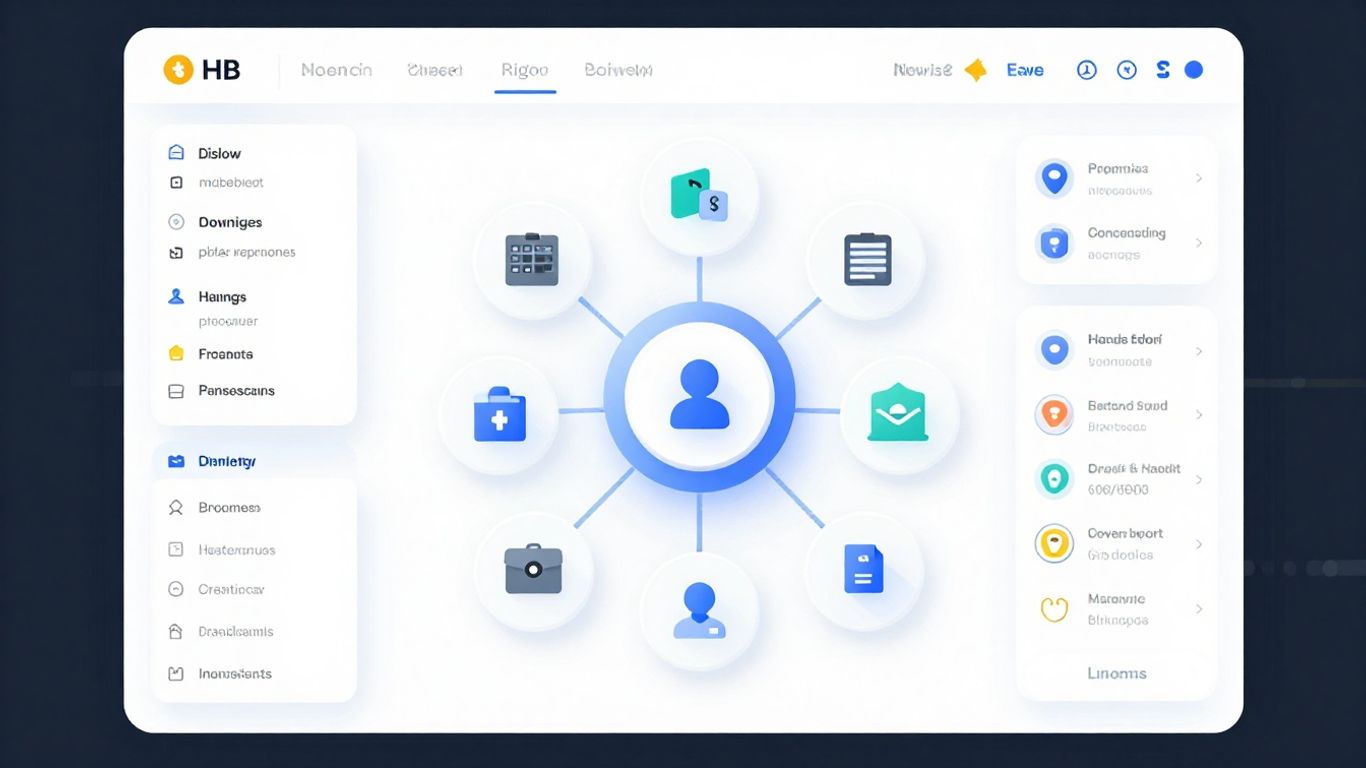
Getting all your customer feedback in one spot starts with linking up the places where people are already talking about your business. Think of it like setting up a central hub for all your mail, but instead of letters, it’s reviews from places like Google, Yelp, Trustpilot, and many others. This makes sure you don’t miss a single comment, good or bad.
There are tons of sites where customers leave reviews. Here are just a few common ones you might want to connect:
- Yelp
- Trustpilot
- TripAdvisor
- Better Business Bureau (BBB)
- HomeAdvisor
Most review dashboards are built to connect with these popular sites easily. The goal is to pull all those reviews into one place so you can see them all at once.
The Integration Process Explained
Connecting your review sources usually isn’t too complicated. Most dashboards guide you through it step-by-step. Typically, you’ll need to find an ‘Integrations’ or ‘Connections’ section within your dashboard’s settings.
Here’s a general idea of how it works:
- Find the Integrations Area: Look for a section in your dashboard that says ‘Integrations,’ ‘Connected Accounts,’ or something similar. This is often found in the main settings or account management area.
- Select a Platform: You’ll see a list of supported review sites. Click on the one you want to connect, like Google or Yelp.
- Provide Your Business Link: The system will likely ask for the web address (URL) of your business’s profile page on that specific review site. Make sure it’s the correct link to your reviews.
- Authorize the Connection: You might need to log in to that review platform or grant permission for the dashboard to access your reviews. This is a standard security step.
- Confirm and Sync: Once authorized, the dashboard will usually pull in your existing reviews and set up a way to get new ones as they come in. You can repeat this for every platform you use.
The whole point is to avoid logging into multiple websites just to see what customers are saying. A good dashboard does the heavy lifting for you, bringing everything together automatically.
Troubleshooting Common Connection Issues
Sometimes, things don’t connect perfectly on the first try. It’s usually something simple to fix.
- Check the URL: Double-check that the web address you entered is exactly right and points directly to your business’s review page. A typo can stop the connection.
- Permissions: Make sure your account on the review site has the right permissions. Sometimes, you need to be an admin or owner to connect it to another service.
- Browser Issues: Occasionally, your web browser’s cache or cookies can cause problems. Clearing them out and trying again often helps.
- Platform Changes: Review sites sometimes update their systems, which can temporarily affect integrations. If you’ve tried the basics and it’s still not working, it might be worth checking if the review site made recent changes or reaching out to the dashboard’s support team.
Maximizing Efficiency with a Unified Inbox
Consolidating Customer Communications
Remember the days of juggling multiple apps to keep up with customer messages? Checking Facebook Messenger, then your email, then maybe a text message thread – it was a real headache. A unified inbox changes all that. It brings all your customer conversations from different places into one single stream. This means you can see everything that’s been said, no matter where it came from, all in one spot. It makes managing your customer interactions so much simpler.
Streamlining Response Times
When all your messages are in one place, responding becomes way faster. You don’t have to waste time switching between different platforms or searching for that one important message. This quick access means you can get back to customers much sooner. Think about it: faster replies usually lead to happier customers. It’s a win-win.
Here’s how a unified inbox helps speed things up:
- See everything at a glance: No more hunting for messages. They’re all laid out for you.
- Prioritize easily: You can quickly see which messages need your attention most urgently.
- Reduce errors: With everything in one view, you’re less likely to miss a message or send a duplicate reply.
Improving Customer Engagement Across Channels
Being able to manage all your customer communications from one dashboard doesn’t just make your life easier; it also makes it easier for your customers to connect with you. They don’t have to guess which platform you’re most active on. They can reach out through their preferred channel, and you’ll see it. This consistent presence across different channels helps build trust and makes your business feel more accessible. It’s about making the customer experience smooth and positive, every step of the way.
When your internal processes are streamlined, it directly impacts how your customers perceive your business. A unified inbox is a key part of making sure communication flows smoothly, both for your team and for the people you serve.
Leveraging Insights for Business Growth
Understanding Key Dashboard Features
A multi-platform review dashboard isn’t just a place to see comments; it’s a goldmine of information about what your customers think and how your business is doing. Think of it like a control center for your online reputation. You’ll find features that show you the raw feedback, like star ratings and written reviews, but also tools that help you make sense of it all.
These dashboards often highlight:
- Overall Sentiment: Are people generally happy, unhappy, or somewhere in between?
- Common Themes: What topics come up most often in reviews? Are customers praising your service or complaining about wait times?
- Response Rates: How quickly are you getting back to customers?
- Review Volume: How many reviews are you getting across different sites?
Knowing these details helps you see the big picture and spot areas that need attention.
Utilizing Analytics for Strategic Decisions
Once you’re familiar with the dashboard’s features, you can start using the data to make smarter choices for your business. Instead of guessing what customers want, you have actual feedback to guide you. For example, if many reviews mention a specific product feature being difficult to use, that’s a clear signal to your product development team.
Here’s how the analytics can help:
- Product/Service Improvement: Identify recurring issues or suggestions for new features directly from customer feedback.
- Marketing Strategy: Understand what aspects of your business customers highlight most, and use that in your advertising.
- Customer Service Training: Pinpoint areas where your support team might need more training based on customer interactions.
- Competitive Analysis: Sometimes, dashboards can show how you stack up against competitors, giving you an edge.
The data you collect isn’t just numbers; it’s a direct line to your customers’ experiences. Using this information wisely can lead to real improvements and a stronger business.
Monitoring Reputation and Identifying Trends
Your online reputation is always changing, and a centralized dashboard helps you keep a close eye on it. You can track how your average star rating changes over time or notice if a particular platform starts seeing more negative feedback. This early warning system is incredibly useful.
Imagine you see a sudden spike in reviews mentioning slow delivery. Without a dashboard, you might not connect this across different platforms until it becomes a bigger problem. With the dashboard, you can see this trend emerging and address it quickly, perhaps by talking to your shipping partners or adjusting your logistics.
This constant monitoring allows you to:
- React Quickly: Address negative feedback before it impacts more customers.
- Spot Opportunities: Notice positive trends and double down on what’s working.
- Measure Impact: See if changes you make to your business actually improve customer reviews over time.
It’s about staying informed and being proactive, rather than just reacting when things go wrong.
Choosing the Right Multi-Platform Review Dashboard
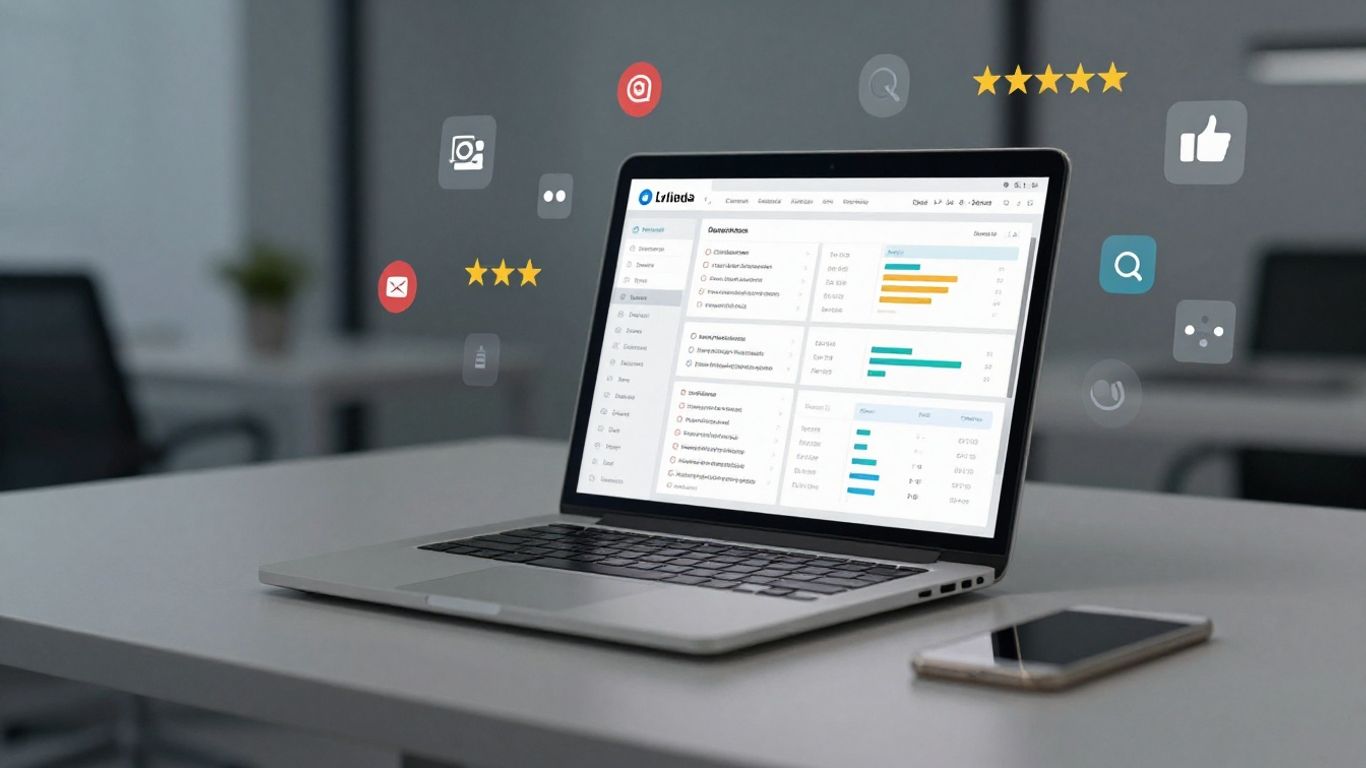
So, you’ve decided a centralized review dashboard is the way to go. Great! But with so many options out there, how do you pick the one that actually fits your business? It’s not just about grabbing the first shiny thing you see. You need to think about what you really need it to do.
Evaluating Essential Software Capabilities
When you’re looking at different dashboard tools, think about what they actually do. Some might look fancy, but if they don’t have the basic functions you need, they’re not much use. You want something that pulls in reviews from all the places you get them – Google, Facebook, Yelp, you name it. It should also make it easy to reply to those reviews without jumping between a dozen different browser tabs. And a clean layout? That’s a big one. If you can’t figure out where anything is, you’ll just waste time.
Here are some things to look for:
- Review Collection: Does it grab reviews from all the platforms you use?
- Response Tools: Can you reply to reviews directly from the dashboard?
- Dashboard Layout: Is it easy to see what’s going on at a glance?
- User Management: Can you give different team members access with specific permissions?
Don’t get swayed by a million bells and whistles if the core job isn’t done well. A simple, effective tool is better than a complicated one that misses the mark.
Reading Customer and Expert Reviews
Before you hand over any cash, see what other people are saying. Look for reviews of the dashboard software itself. What do actual users say about it? Are they happy with how easy it is to use? Did they have trouble connecting their accounts? Sometimes, real customer feedback is the most honest. Also, check out what industry folks or tech reviewers have to say. They might point out things you wouldn’t think of, like how well the software is likely to stick around or if it’s got some hidden issues.
Considering Your Business’s Unique Needs
What works for a small local shop might not work for a big company with multiple locations. Think about your specific situation. Do you get a ton of reviews every day? You’ll need something that can handle the volume and maybe even help you sort them. Are you in a niche industry with specific review sites? Make sure the dashboard supports those. If you have a team, how will they use it? Can you assign reviews or track who responded? Tailor your choice to what your business actually does and what challenges you’re trying to solve.
Transforming Operations with a Centralized Dashboard
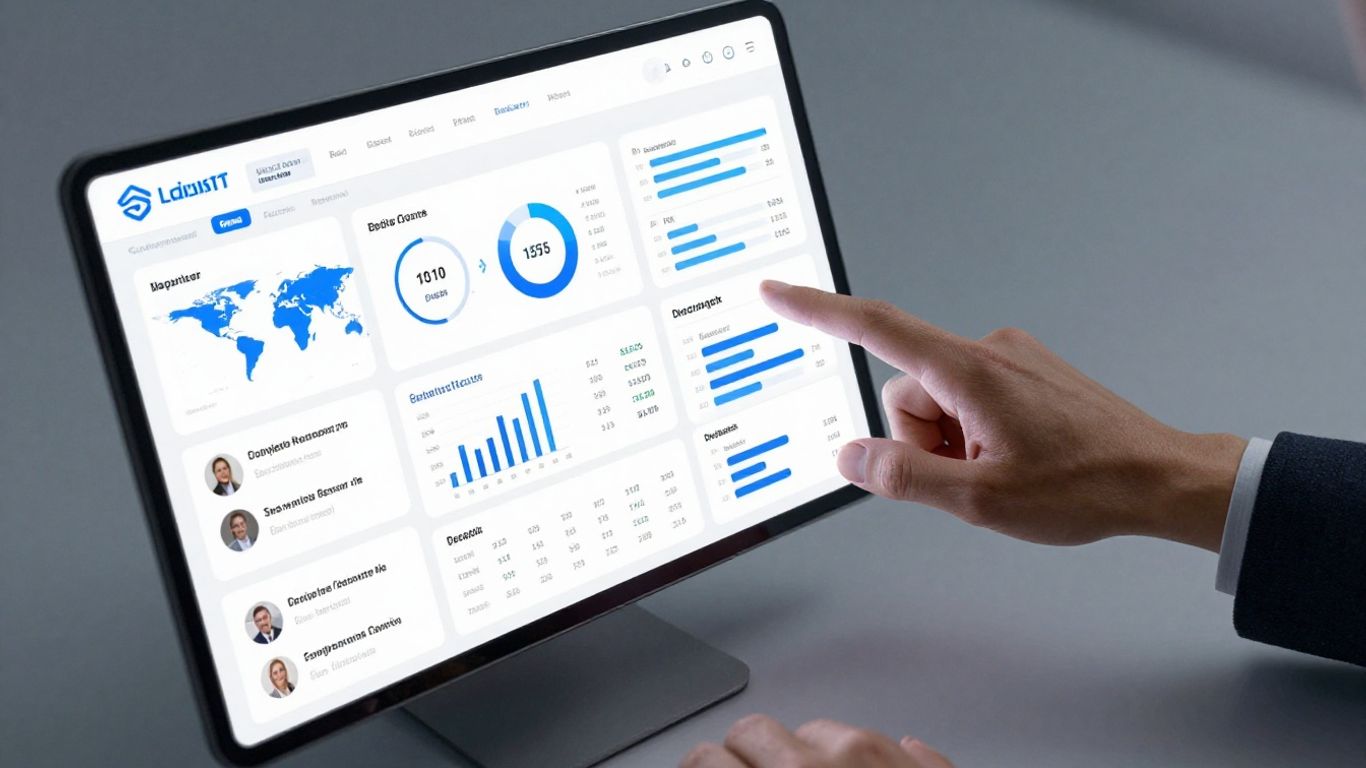
Bringing all your customer feedback and communications into one place isn’t just about tidiness; it’s about fundamentally changing how your business runs. A centralized dashboard acts like the central nervous system for your customer interactions, making everything faster, smarter, and more efficient.
Boosting Team Productivity
Think about how much time your team spends switching between different apps, logging into various review sites, or trying to piece together customer feedback from scattered emails. It’s a real drain on productivity. A unified dashboard cuts through that noise. Your team can see everything – new reviews, customer messages, social media comments – all in one spot. This means less time hunting for information and more time actually doing their jobs, like responding to customers or improving products.
Here’s how it helps:
- Reduced Context Switching: No more jumping between tabs. Everything is right there.
- Faster Information Access: Key customer data is instantly available, cutting down on search time.
- Streamlined Workflows: Tasks like assigning reviews or drafting responses become much simpler.
When your team isn’t bogged down by administrative tasks and can easily access the information they need, their overall output naturally increases. It frees them up to focus on what truly matters: serving your customers.
Ensuring Accessibility Anytime, Anywhere
In today’s world, work doesn’t always happen at a desk. Whether your team is working from home, traveling, or just on the go, they need access to critical business information. A good multi-platform review dashboard is cloud-based, meaning it’s accessible from any device with an internet connection – a laptop, a tablet, or even a smartphone. This flexibility means your team can stay connected and responsive no matter where they are.
This constant access is a game-changer for:
- Remote and Hybrid Teams: Everyone stays in the loop, regardless of their location.
- Field Staff: Service technicians or sales reps can check recent feedback or respond to urgent messages while out of the office.
- Management: Leaders can monitor brand reputation and team performance in real-time, even when traveling.
Driving Smarter Business Decisions
Data is only useful if you can understand it and act on it. A centralized dashboard doesn’t just collect information; it presents it in a way that makes sense. By consolidating reviews, ratings, and customer messages from all your platforms, you get a clear, big-picture view of what customers are saying. This unified perspective helps you spot patterns, identify areas for improvement, and make informed choices about your products, services, and customer experience strategies.
Consider the types of insights you can gain:
- Overall Sentiment: Is customer feeling generally positive, negative, or neutral across all platforms?
- Common Issues: Are multiple customers reporting the same problem?
- Platform Performance: Which review sites are generating the most feedback, and what’s the general tone there?
This kind of clear, consolidated data moves your decision-making from guesswork to strategy. You can react quickly to emerging trends and proactively address potential problems before they escalate, leading to better business outcomes.
Wrapping It All Up
So, there you have it. Managing reviews from all those different places can feel like a lot, right? But by pulling everything into one spot with a dashboard, you really cut down on the hassle. It saves you time, helps you keep a better eye on what people are saying about your business, and makes it way easier to jump in and respond. Think of it as getting a clearer picture of your business’s reputation, all without having to log into a dozen different websites. It’s a smart move that can really make a difference in how you connect with your customers and keep your business running smoothly.
Frequently Asked Questions
What exactly is a multi-platform review dashboard?
Think of it like a central hub for all your online reviews. Instead of checking Yelp, Google, and other sites one by one, this dashboard brings all those comments and ratings into one easy-to-see place. It’s like having all your mail delivered to one mailbox instead of having to go to several different post offices.
Why should I bother putting all my reviews in one spot?
It saves you a ton of time! You can see what customers are saying about your business everywhere, all at once. This makes it much faster to reply to comments, both good and bad, which helps make your business look good and keeps customers happy.
Is it hard to connect all my different review sites to this dashboard?
Most of the time, it’s pretty straightforward. You usually just need to find the ‘integrations’ or ‘connections’ section in the dashboard and add the web address (URL) of your business’s review page on each site. Some systems might ask you to log in briefly. If you get stuck, there’s usually help available.
Can this dashboard help me understand what customers are really thinking?
Yes! Many dashboards show you patterns in the reviews. You can see if people often praise your fast service or complain about long wait times. This information is super helpful for figuring out what you’re doing well and where you can make improvements.
What if I get a really bad review?
The dashboard makes it easier to spot those quickly. The best thing to do is respond calmly and professionally. You can apologize if needed, explain the situation, or offer to discuss it further offline. Showing that you care and are trying to fix problems can actually turn a bad situation around.
Will using this dashboard make my business look better online?
Definitely! When you can quickly respond to all your reviews and show customers you’re listening, it builds trust. A business that actively manages its online reputation often appears more reliable and customer-focused, which can attract more people to choose you over competitors.
No responses yet